Why Real-Time Markdown Preview is Essential for Writers
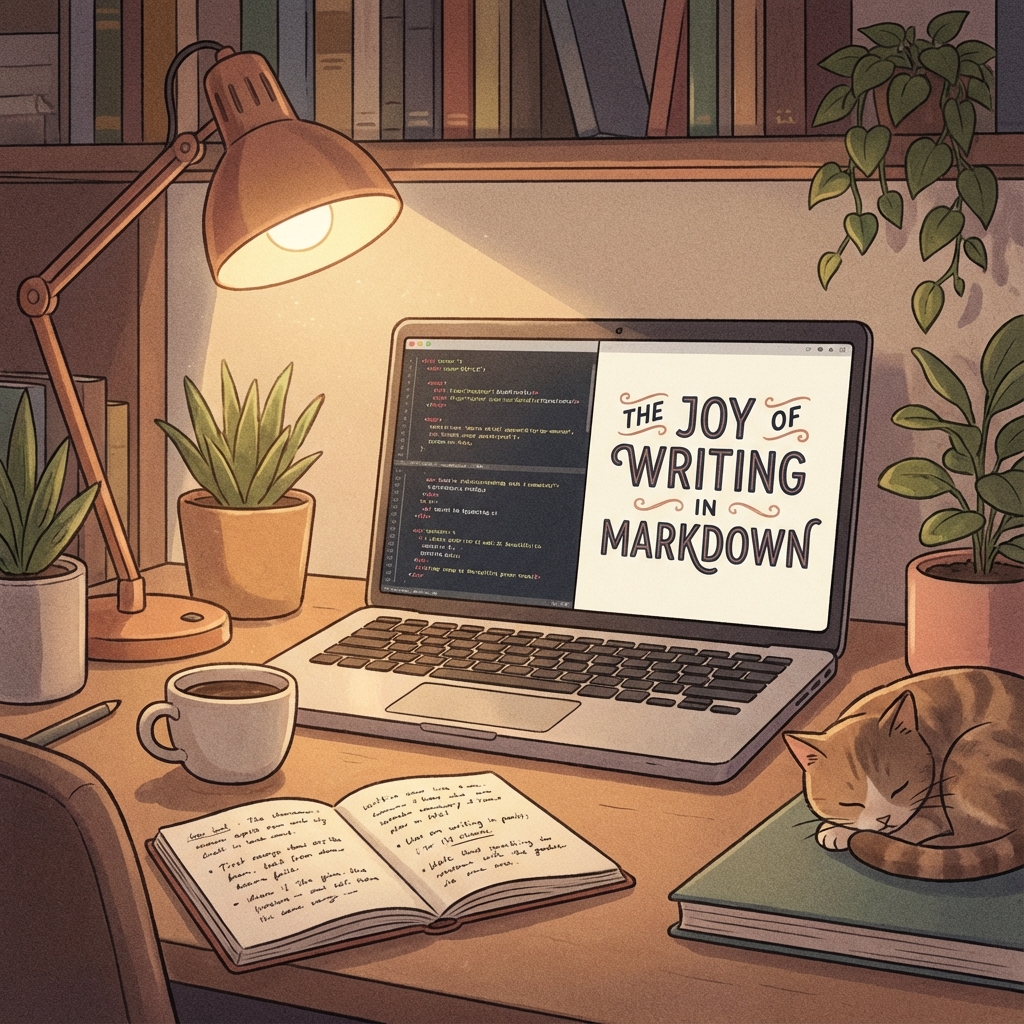
Markdown has quietly become the universal standard for writing on the web. From GitHub READMEs to Slack messages, Notion docs to static site generators, this lightweight markup language is everywhere. Its beauty lies in its simplicity: plain text that can be read by humans and converted easily into HTML.
But there's friction. Writing Markdown often feels like writing code. You type **bold** and *italic* and [links](url), constructing a mental model of what the final document will look like. But mental models are prone to errors. Did you close that bold tag? Is that image link broken? Did the nested list indent correctly?
This is where a robust Markdown Preview becomes indispensable.
The Feedback Loop
In design and development, we talk a lot about "tight feedback loops." The shorter the time between an action and seeing its result, the faster we learn and the more efficient we become.
Writing is no different. When you have to save a file and switch windows to see if your table formatted correctly, you break your flow. You switch from "creative mode" to "debug mode."
A real-time, side-by-side previewer removes this cognitive load. It validates your syntax instantly.
- Complex Structures: Tables and task lists are notoriously finicky in raw Markdown. Seeing them render as you type ensures they are structurally sound.
- Code Highlighting: For technical writing, verifying that your code blocks are properly language-tagged and legible is critical.
- Visual Rhythm: Seeing the actual spacing between headers and paragraphs helps you pace your writing better, avoiding walls of text.
Not All Previews Are Created Equal
We built our Markdown Preview tool to address specific pain points we found in other editors:
- GitHub Flavored Standard: We support GFM (GitHub Flavored Markdown), meaning features like task lists (
- [ ]), strikethroughs, and tables work exactly as you expect them to on GitHub. - Professional Syntax Highlighting: We integrated
Shiki, a high-fidelity syntax highlighter, to ensure your code snippets look beautiful in both light and dark modes. - Import & Export Freedom: Don't let your content get trapped. Import existing
.mdfiles to tweak them, and export your work as raw Markdown or compiled HTML.
writing for the Web
The goal of Markdown is to strip away the distractions of complex word processors and let you focus on the content. But without a preview, the syntax itself becomes the distraction.
By pairing a clean editor with an accurate, real-time preview, you get the best of both worlds: the distraction-free focus of plain text, and the visual assurance of a rich document. It’s about keeping you in the flow, confident that what you write is exactly what your readers will see.
Ready to try it yourself?
Put what you've learned into practice with our free online tool.
Try Markdown Editor