
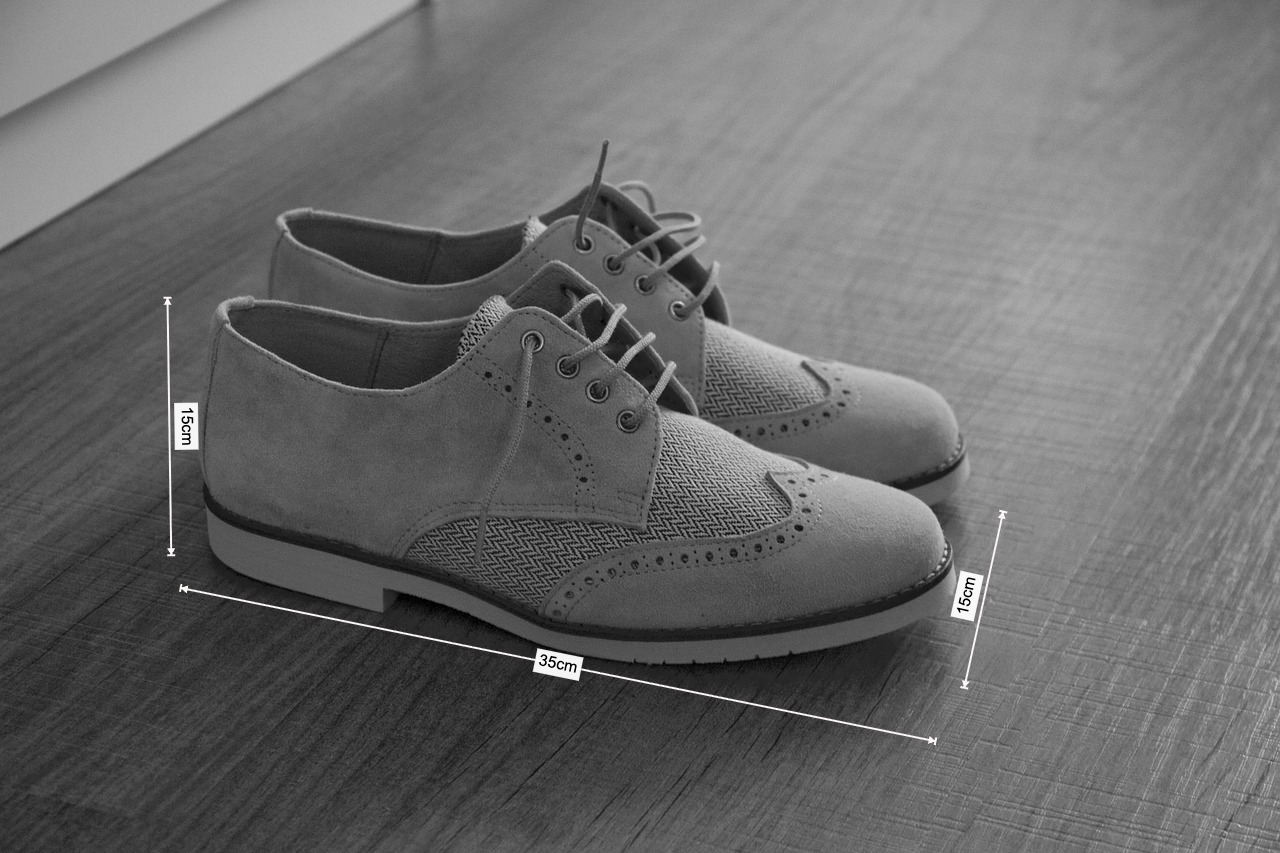
Done in 30 Seconds: Add Clear LWH Dimensions to Your Product Photos
As an e-commerce seller or operator, you must have encountered this scenario: customers repeatedly ask in the Q&A section, "How big is this bag?" or "How high is the heel?", while your product images lack the most intuitive dimension information.
The traditional method involves opening Photoshop or other professional design software, importing the image, carefully drawing lines, and adding text. This process is not only time-consuming but also has a steep learning curve for operators unfamiliar with design software.
Now, you can say goodbye to all that! With the BaseToolbox Image Dimensioning Tool, you can easily complete all operations right in your browser.
How Fast Is It?
Let's do a time challenge. From opening the tool to exporting a clearly annotated image, it really only takes 30 seconds!
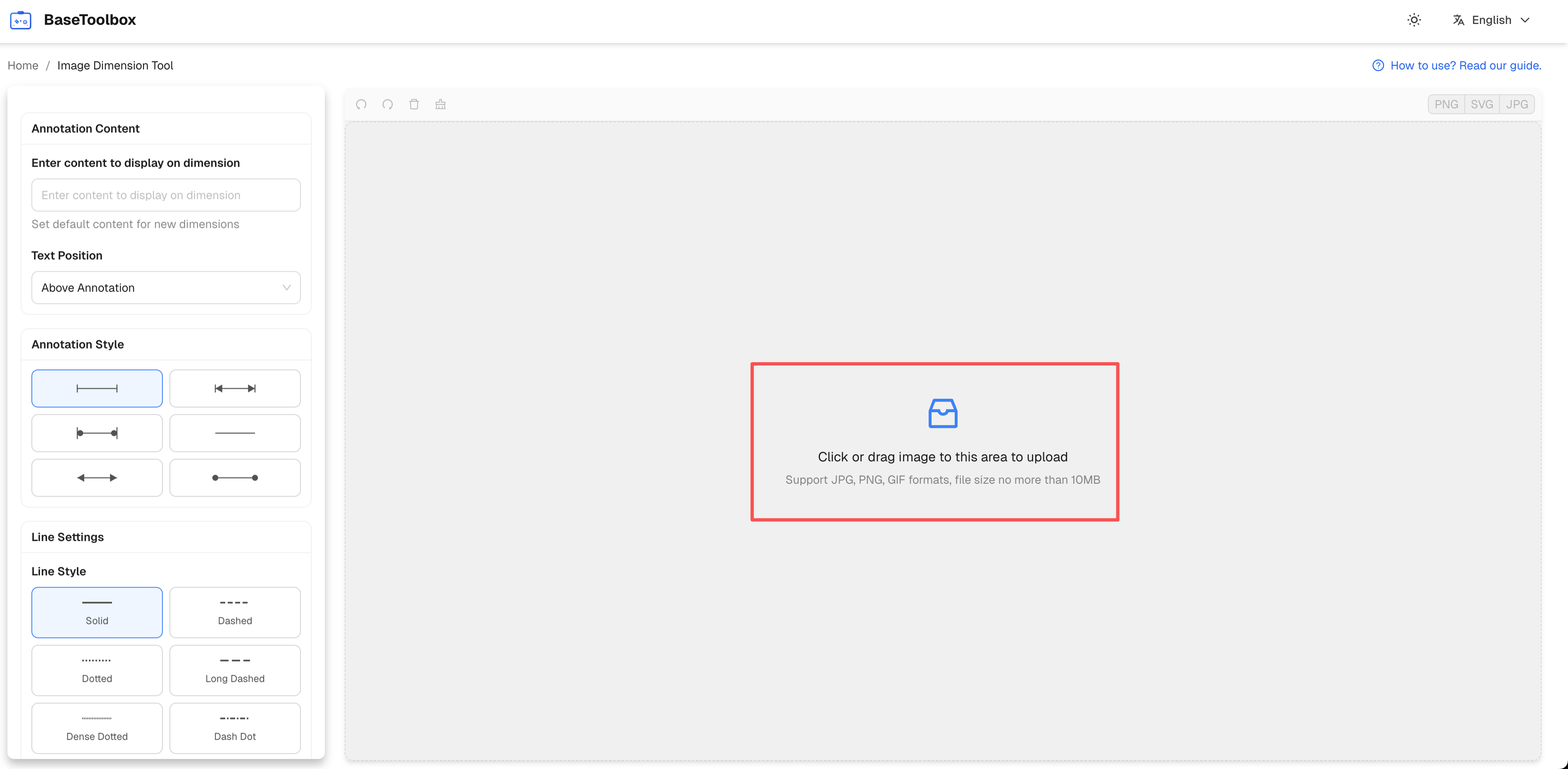
Step 1: Upload Your Product Photo (Approx. 5 seconds)
Open our tool page and simply drag your prepared product image into the editing area, or click the upload button to select the file. The image will immediately appear on the canvas, ready to go.
Step 2: Drag Your Mouse to Draw Dimension Lines (Approx. 15 seconds)
Select the "Line" tool. At the position you want to mark (e.g., the length of the sole), press and hold the mouse button from the start point to the end point. A straight dimension line is drawn instantly. Use the same method to quickly draw lines for width and height.
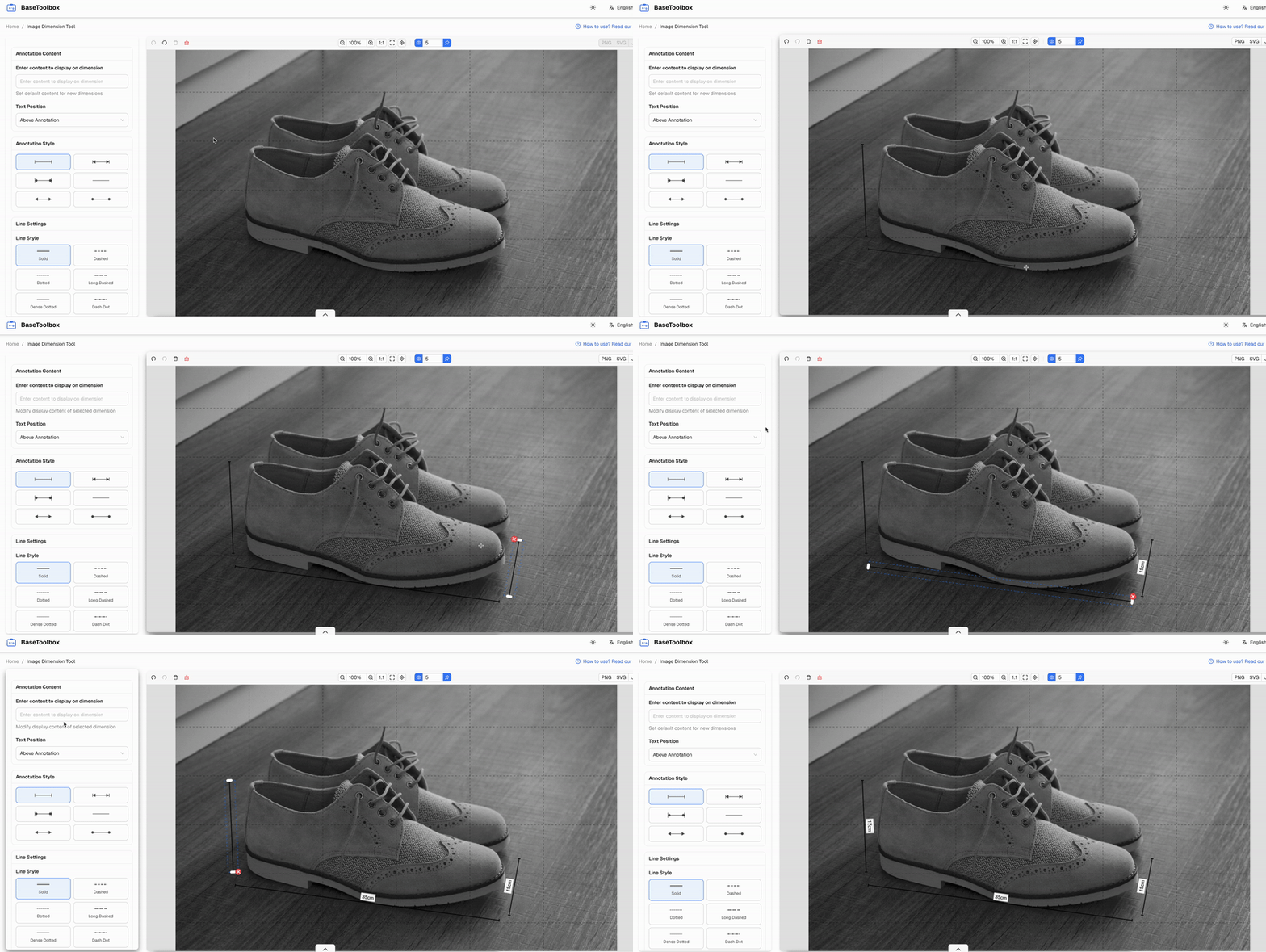
Step 3: Input Dimensions, and You're Done! (Approx. 10 seconds)
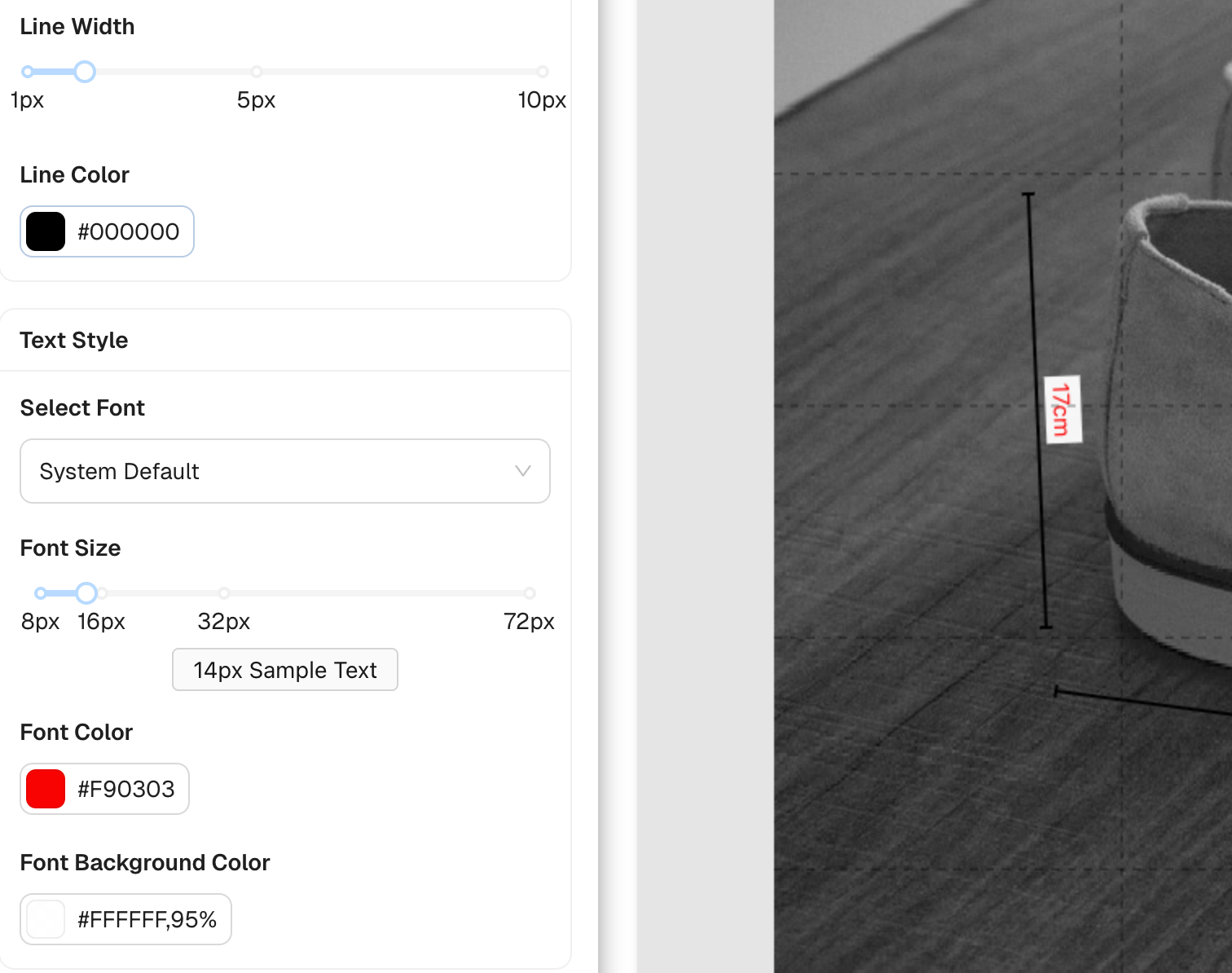
Select the "Text" tool, click next to the dimension line, and enter the specific measurement, like "25cm". You can also adjust the color and thickness of the text and lines to better match your store's style.
Export and Use
Once all annotations are complete, click the "Export" button, and a clear, professional product dimension image is saved to your computer. Now, you can immediately upload it to your store's backend or send it to a customer who is making an inquiry.
Conclusion
Simple annotations shouldn't be a complex task. The BaseToolbox Image Dimensioning Tool provides you with an extremely convenient solution, allowing you to spend your time on more important things—like serving more customers and selling more products.
Ready to try it yourself?
Use our Image Dimensioning Tool now and enjoy a fast and efficient annotation experience.
Try the Dimension Tool Now